

Hosting: Jira Cloud
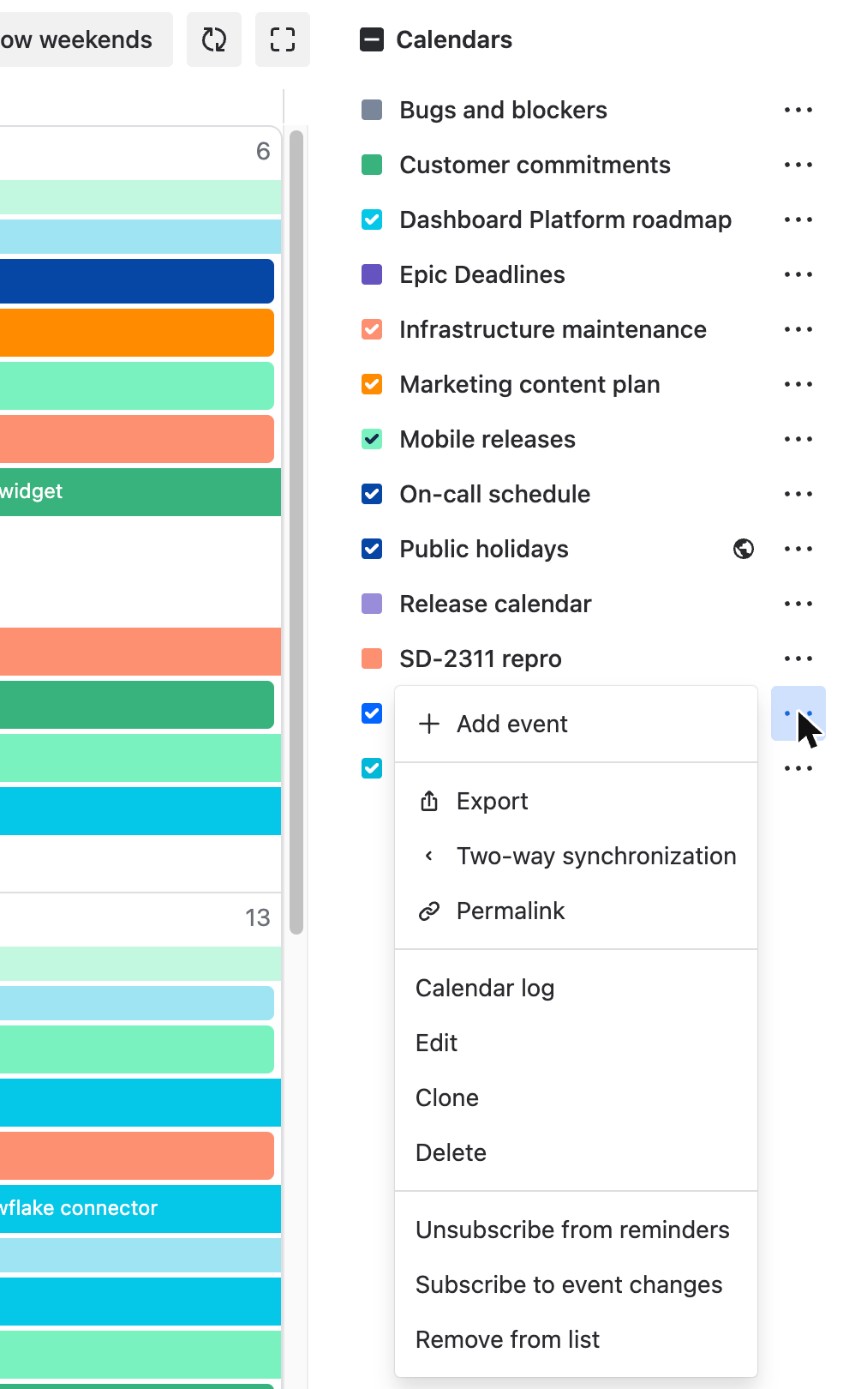
"Permalink" gives you a link to one calendar that you can send to a colleague or put on a Confluence page. Open the "..." menu of the calendar in your list and click "Permalink". The calendar opens in a new browser tab, and the address of that tab is the link.
What the link opens
The link opens a page with this one calendar: its name, a star, the "Quick filters" and "Conditional colors" menus and the calendar itself. On a calendar with Jira issues the page also has the "Schedule issue" button. The "Calendar" link above the name leads to the main page of the app with your full list.
The link keeps only the calendar. It does not keep the view, the date or the quick filters you had on the screen. Everyone who opens it sees the current period in the view they used last in their browser, with their own quick filters and conditional colors.
Who can open it
The link works for a person who has the "Calendar Users" global permission and a role in the calendar, "User" or "Admin". A person with no role sees "Calendar not found". The link gives no access to Jira issues: each person sees only the issues they can see in Jira.
The calendar does not have to be in the person's list. The link opens it anyway, and a click on the star next to the name adds it to their list. A second click removes it.