

Hosting: Jira Cloud and Jira Data Center. Where the two differ, the text says so.
"Calendar log" shows who created, changed, moved or deleted an event in one calendar. The two "Audit log" tabs in the admin settings show who changed the app settings and who created or removed an export link.
Calendar log
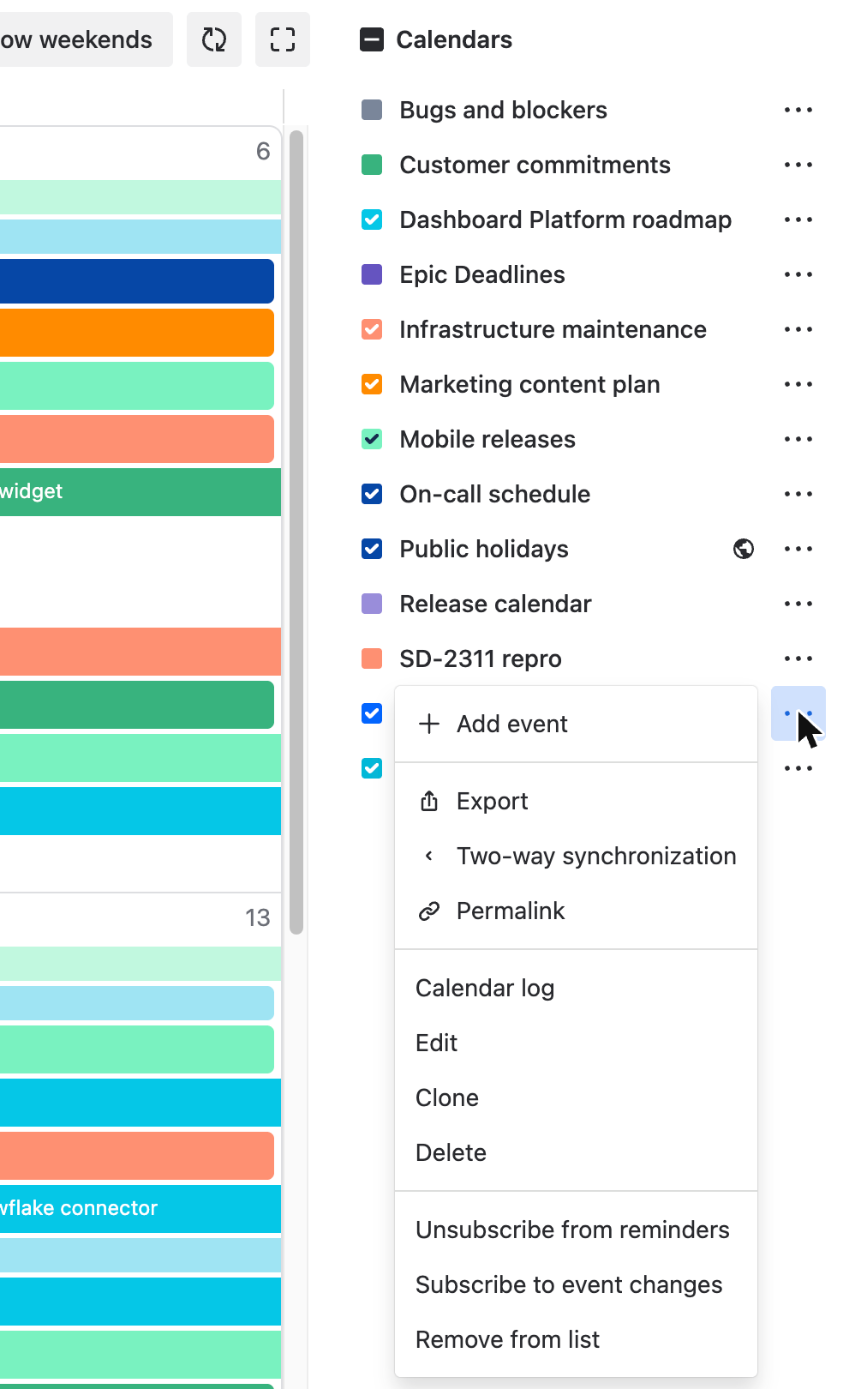
Open the "..." menu of the calendar and choose "Calendar log". Only people with the admin role in that calendar see this item.
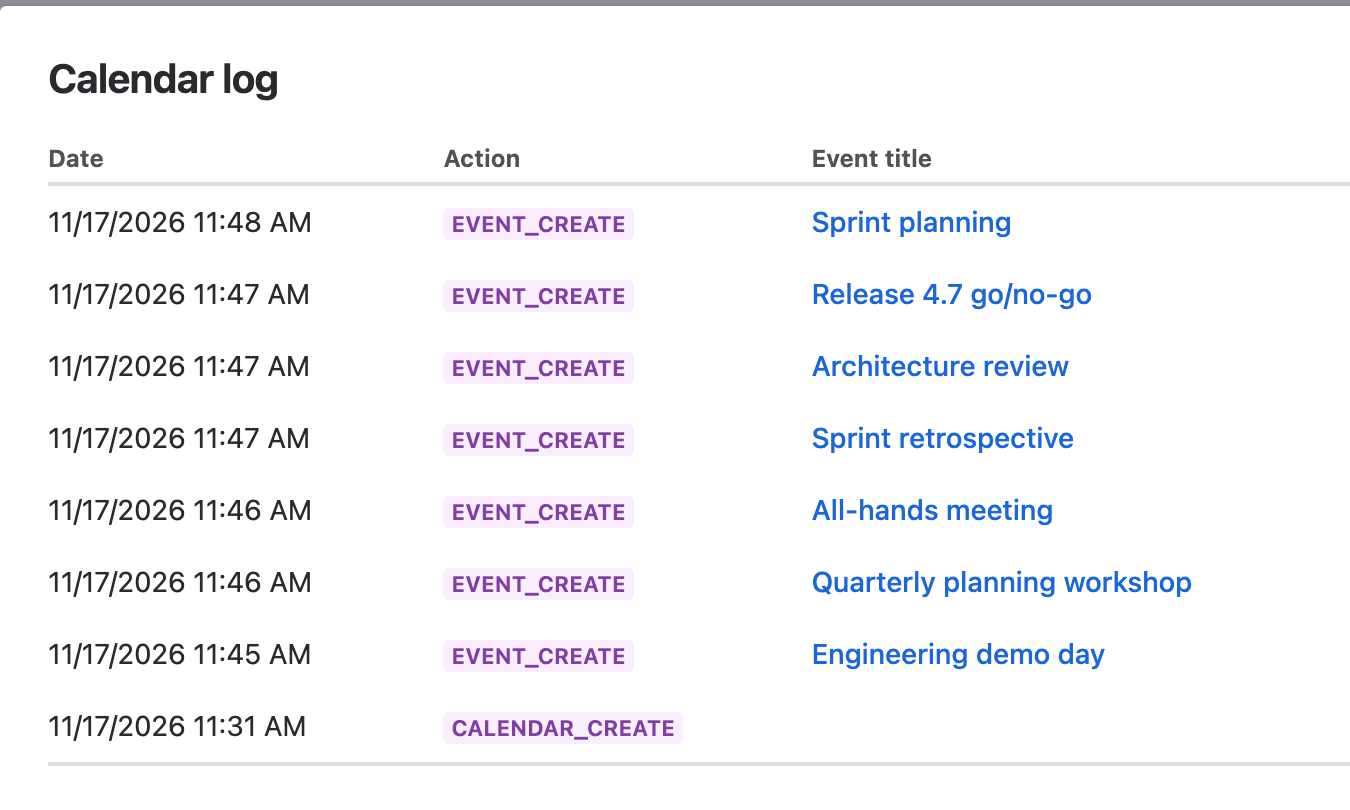
Each row has the date, the action, the event title and the user. The actions are EVENT_CREATE, EVENT_UPDATE, EVENT_MOVE and EVENT_DELETE for events, and CALENDAR_CREATE and CALENDAR_UPDATE for the calendar itself. Click the event title to see which fields changed, with the old and the new value. A CALENDAR_UPDATE row tells you who saved the calendar and when, but not which setting changed.
On Cloud, INTEGRATION_EVENT_UPDATE is a change that came from Google Calendar, and actions starting with MIGRATION_ come from a migration from Data Center.
The log covers user events only. Moving a Jira issue on the calendar changes the date fields of the issue and adds no row here.
On Cloud the log keeps the last 30 days. On Data Center rows are not removed by age. On both hostings the log is deleted together with the calendar.
Audit log in the admin settings
Both tabs are in the Jira administration, in the section "DoItBetter calendar". On Cloud you need the global permission "Calendar Administrators", which Jira administrators have by default. On Data Center you need to be a Jira System Administrator.
The first one is on the page "Settings" ("General settings" on Data Center), tab "Audit log". It lists the last 100 changes to the app settings: default calendars, default quick filters, default color conditions, default date fields, the project calendar panel and the issue panel, the export switches and the IP allowlist, and the Service Management settings. On Data Center it also records the issue limit, the strict screen check, the export period and the settings of calendar subscriptions. A row also appears when someone deletes a calendar that other users had in their list, so this is where you find who deleted a calendar. Cloud removes rows older than 90 days.
The second one is on the page "Export" ("Export settings" on Data Center), tab "Audit log". It gets a row when a user creates an export link (CREATED), replaces it with a new one (REFRESHED) or deactivates it (DELETED), and when an admin deactivates a link (DELETED_ADMIN). On Cloud the same tab shows who turned Google Calendar sync on or off. Cloud keeps these rows for 30 days.
Neither log records who viewed a calendar, who opened an export link, or whether a reminder email was sent.