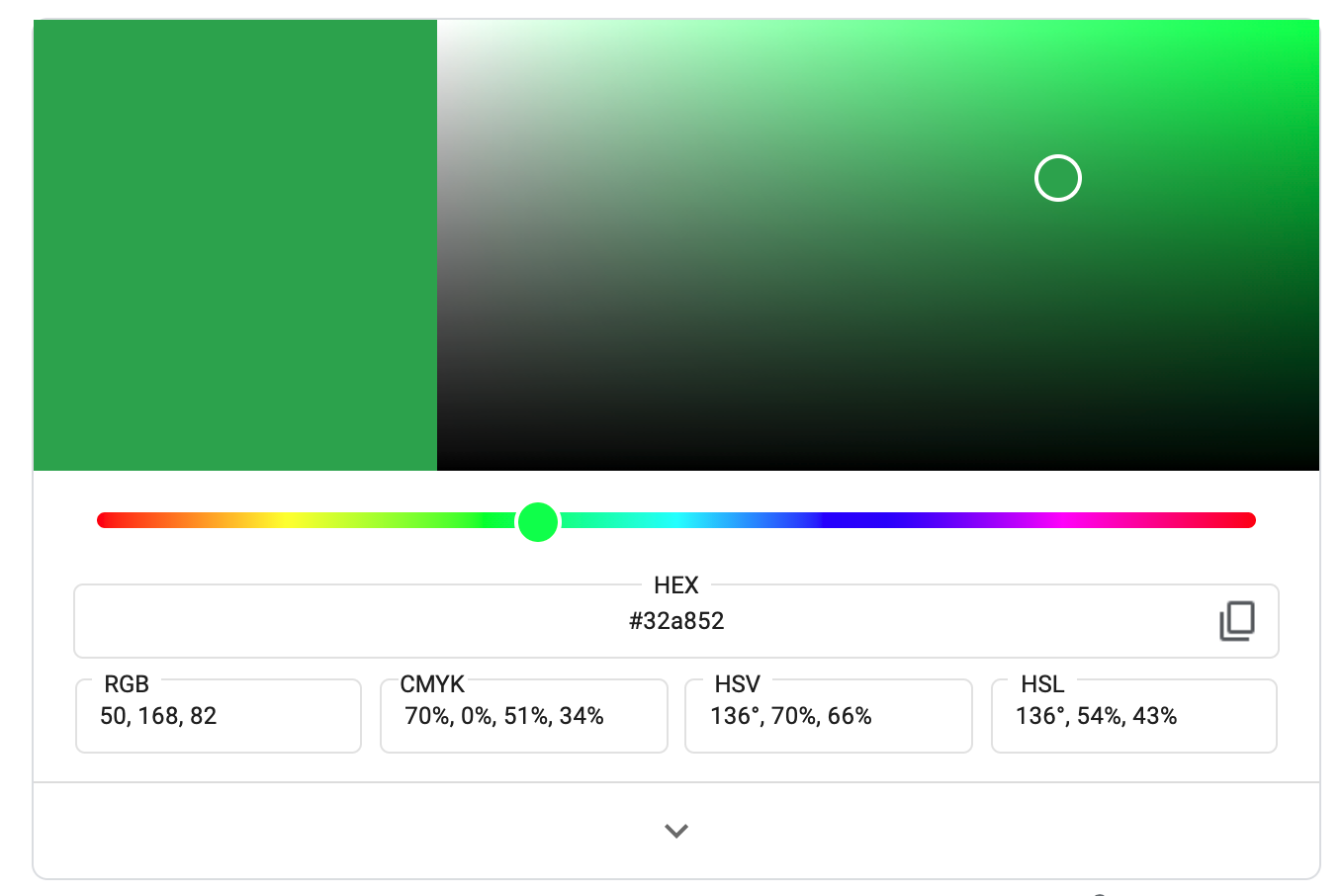
Plugin "Calendar for Jira," it is possible to select custom colors for the calendars based on hex codes.
-
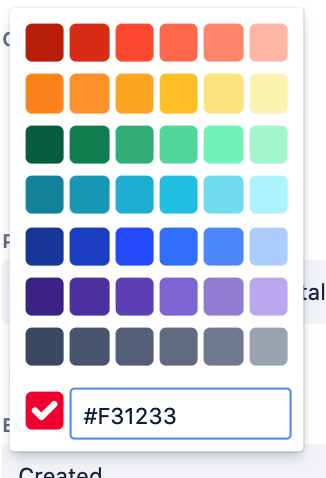
Click on the color icon when creating or editing a calendar.
-
At the bottom of the popup, there is a field for entering the color hex code.
-
Enter the color code.
The color code can be found, for example, in the configurator in the Google search engine at the request of Hex Color.