

For each calendar (except basic), you can preset the coloring of issues according to different criteria, for example, such as:
-
Highest priority tasks
-
Alex's Tasks and Peter's Tasks
-
Issues from Boss
-
Front-end tasks
Etc.
All users with access to the calendar will be able to see the conditional colors.
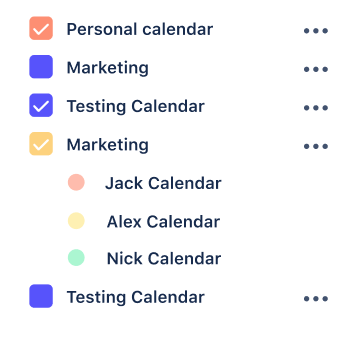
How to create calendar conditional colors
-
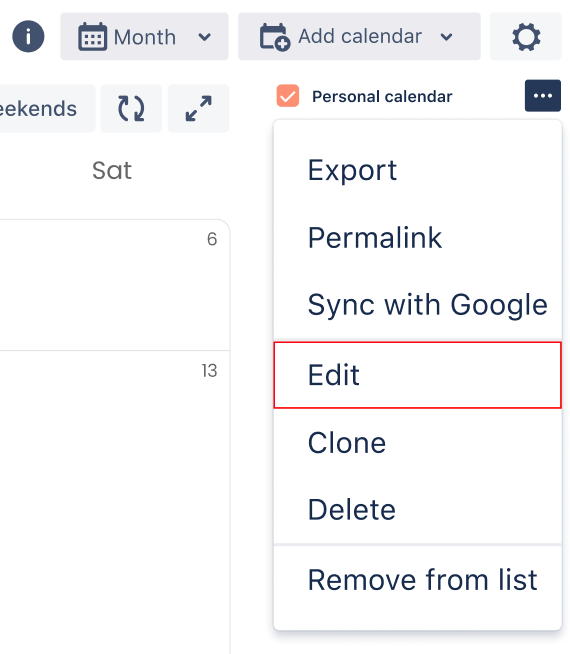
Create a new or edit existing calendar
-
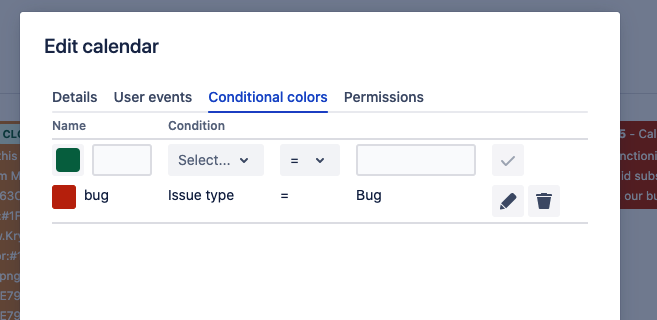
Go to the "Conditional Colors" tab
-
Choose the necessary condition and color in which to paint your tasks.
-
Click edit or create.

The created colors will be visible to everyone who uses the calendar. If you need your own colors, use the user conditional colors.