

The "calendar for Jira" can display issue fields in calendar events, including custom fields. Since there are a lot of types of custom fields and it is impossible to foresee the layout of each of them, we add new fields upon request to the technical support.
https://doitbe.atlassian.net/servicedesk/customer/portal/1
Types of custom fields available now:
|
Custom field |
Desc |
|---|---|
|
User field |
Allows showing the user from the User type field on the event bar as an avatar. |
|
Multi-User field |
Allows showing the list of users from the Multi-User type field on the event bar as an avatar. |
|
Select list |
Allows you to display the information selected in the issue select list on the event bar. |
|
Text field (single line) |
Displays a short text field on a calendar event. |
To display issue custom fields on calendars:
-
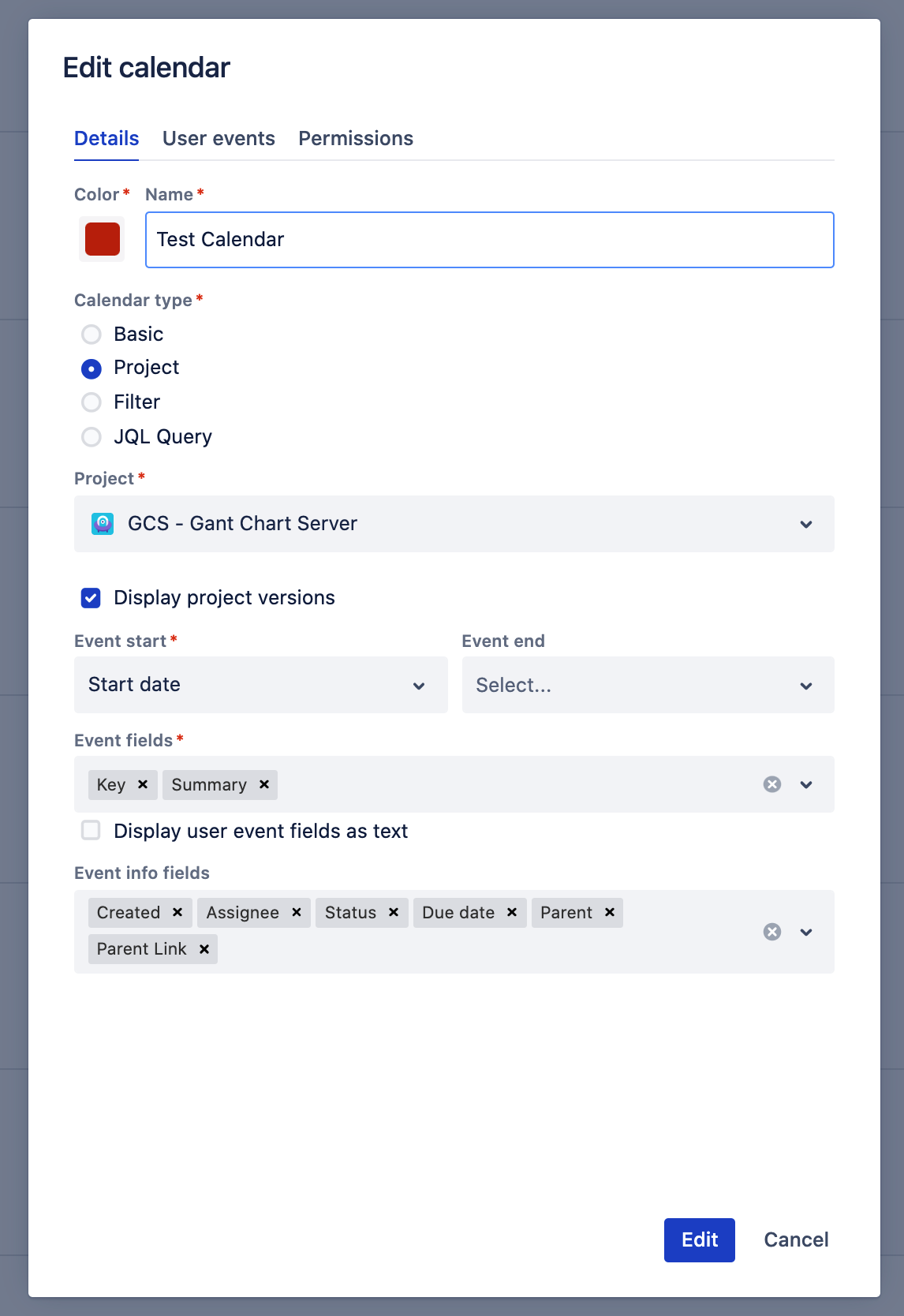
Edit or Create a calendar
-
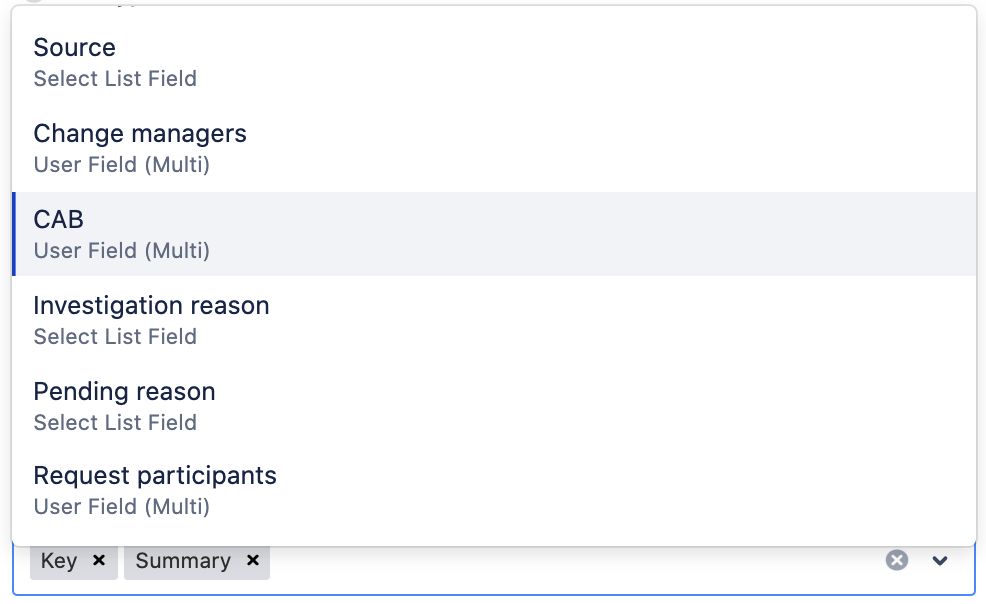
Select the available custom fields in the "Event Fields"
3. Click Edit (or Create)