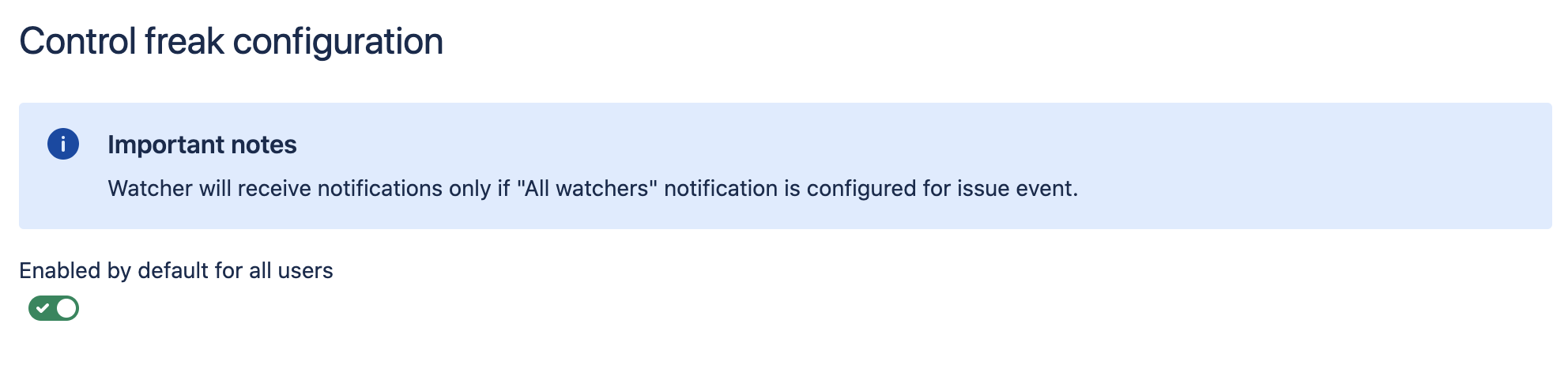
To configure Epic Watcher app, follow “configure” link in app entry in UPM.
You’ll see the similar configuration page:
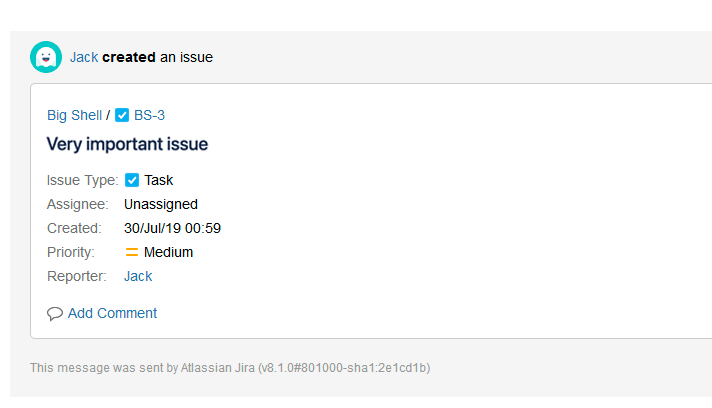
After app is configured, users will start receiving notification if epic watcher is enabled:
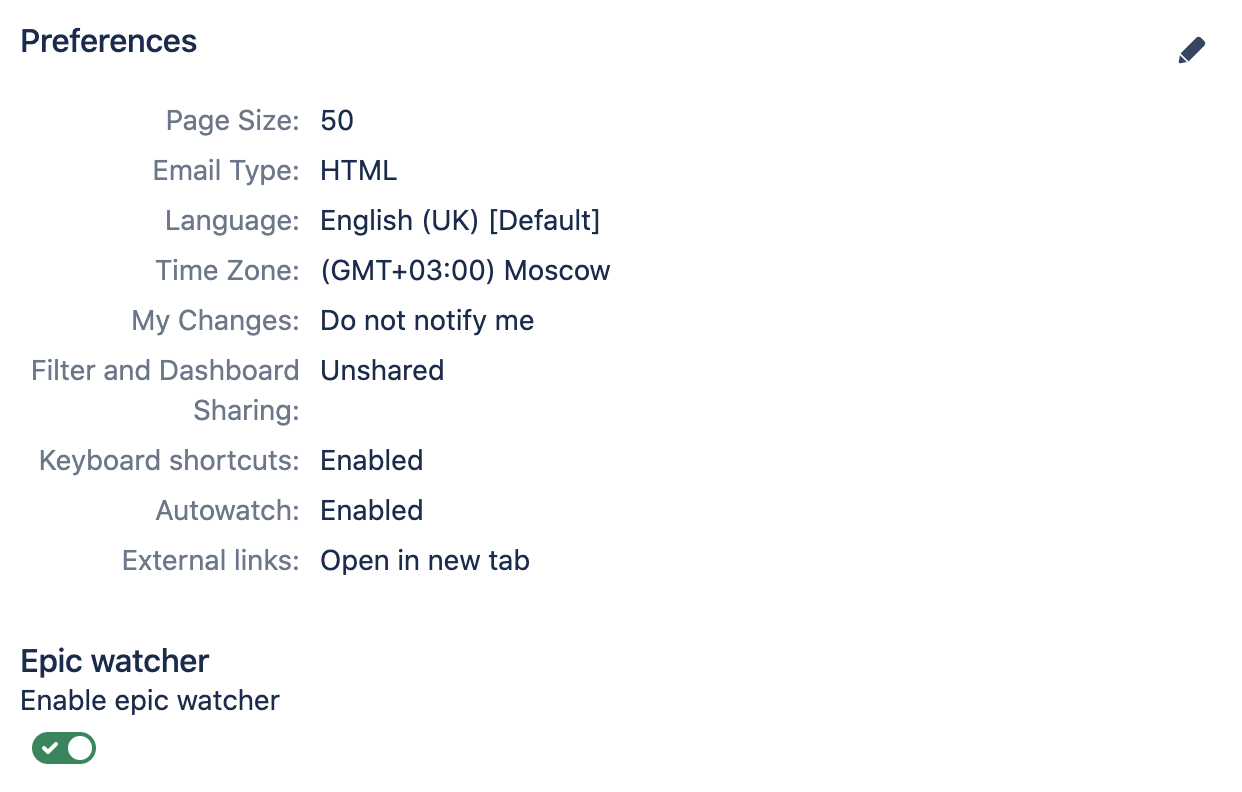
Additionally, users are able to opt-in or opt-out in user preferences: